Creating Lists in HTML: Detailed Explanation
Greetings! This time I’ll be sharing a tutorial on how to create lists in HTML. Let’s jump straight into the details:
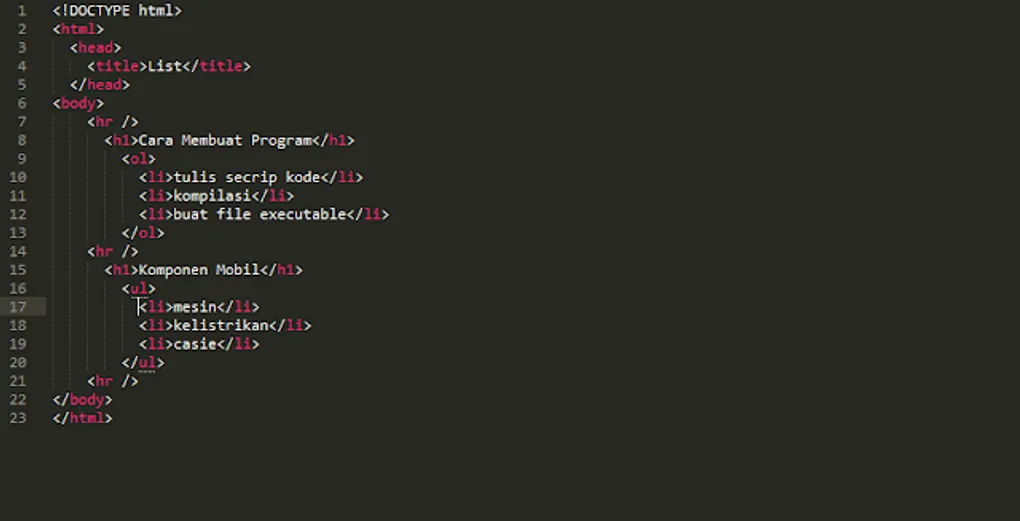
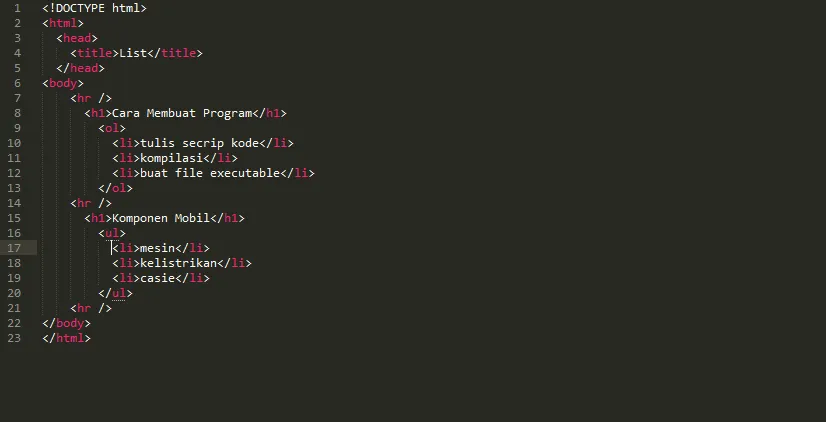 Image 1
Code Explanation
For those of you new to standard HTML tags like <html> or <body>, you can check out my previous post here.
Now, let’s focus on the tags used specifically for lists: <ol>, <li>, and <ul>.
<ol>(Ordered List): This is used to create a numbered list. You can see an example in Image 2 under “How to Create a Program,” where items are numbered 1, 2, and 3.<li>(List Item): This represents each individual entry within the list. In our example, items include “Script Code Writing,” “Compilation,” and “Create Executable File.”<ul>(Unordered List): This is for bulleted lists that do not require a specific order. In Image 2, the thick black dots are a standard example of an unordered list.
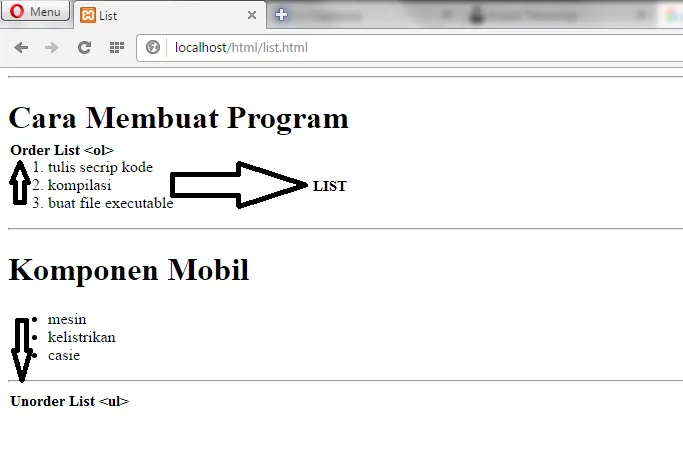 Image 2
Image 2 shows the result of the code from Image 1 when viewed in a browser.
I hope this explanation is clear. Since our programming tutorials are designed to be step-by-step, stay tuned for the latest updates on Kuasai Teknologi.
Thank you, and remember to practice immediately!