How to Take Screenshots on Android: Samsung, Smartfren, Oppo, Xiaomi, Asus, Sony, etc.
[!NOTE] This article will be updated regularly as new methods emerge.
Taking a screenshot on your smartphone is a basic yet essential skill. As smartphone manufacturers constantly release new models and Android versions, the methods for capturing your screen have evolved. Below is a complete guide on how to take screenshots on various popular Android brands.
1. Xiaomi Phones
-
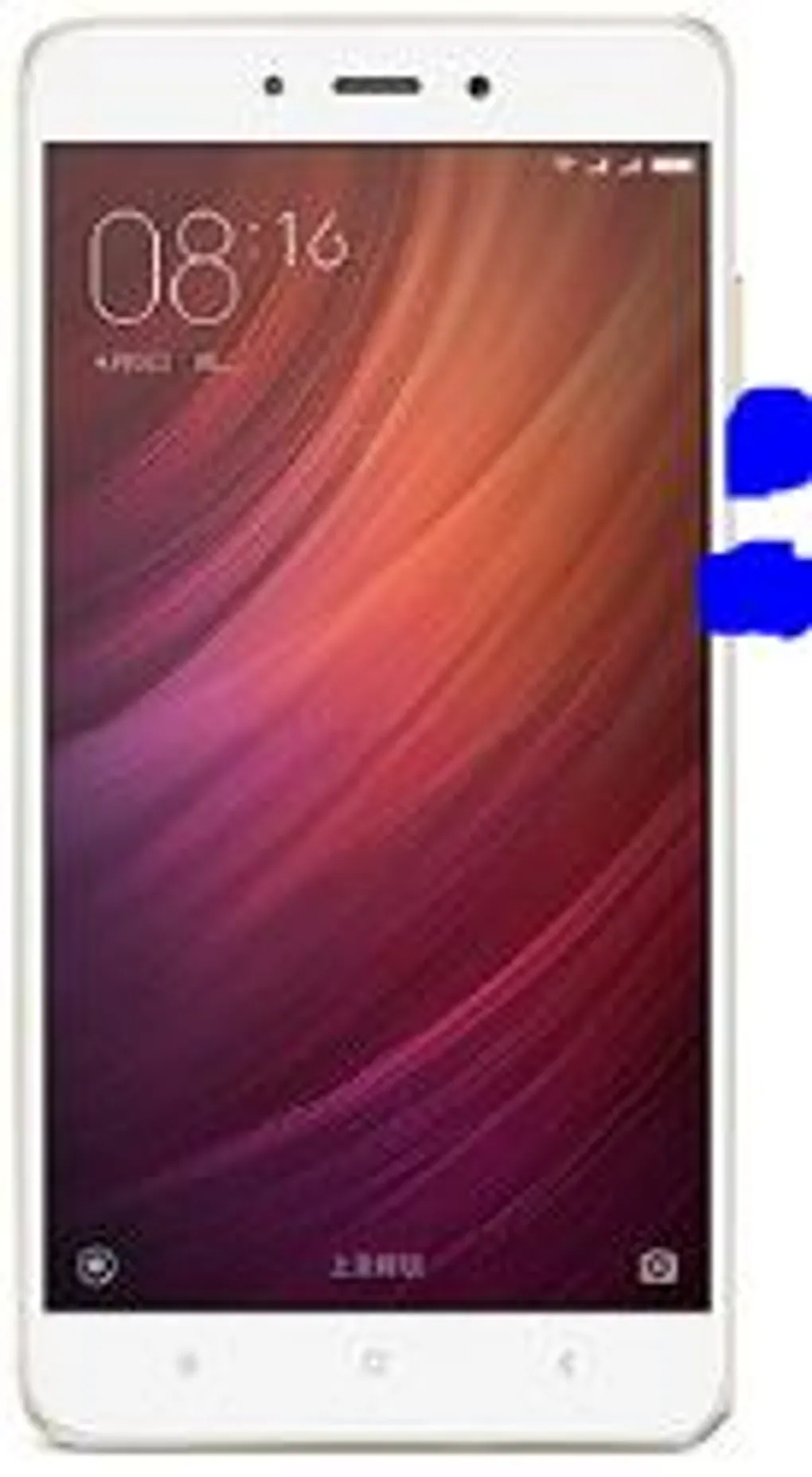
Xiaomi Redmi 4A
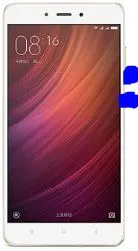 To take a screenshot, simply press the Power button + Volume Down simultaneously. The screenshot will be saved automatically to your Gallery.
 -
Xiaomi Redmi Note 4X
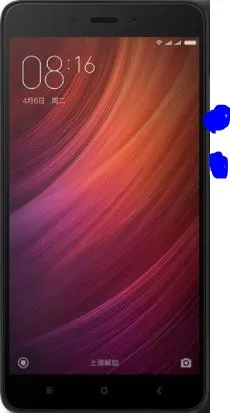 Similar to the 4A, press the Power button + Volume Down at the same time.
2. Samsung Phones
-
Samsung Galaxy Young
 For older Samsung models with a physical home button, press the Power button + Home button + Volume Down simultaneously.
 -
Samsung Galaxy J1 Ace (SM-J110G)
 Press the Power button + Home button + Volume Down at the same time.
 -
Samsung Galaxy J5
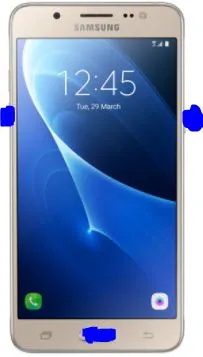 Press the Power button + Home button + Volume Down simultaneously.
3. Sony Xperia Phones
- Xperia Miro (ST-23i)
 Press the Power button + Volume Down simultaneously.
4. Smartfren Phones
- Andromax U
 Press the Power button + Volume Down at the same time.
We will continue to add more brands and models to this list. If your phone isn’t listed here, try the standard Android combo of Power + Volume Down, as it works on most modern devices!