Implement BlocObserver to Debug and Understand State Management Flow
BlocObserver
BlocObserver is an abstract class used to monitor the behavior of Bloc instances. It allows us to track every action—whether triggered by a user or an event—as soon as it’s executed. Debugging with Bloc becomes much more interesting when you can visualize the internal processes.
Read Also: Introduction to DART Programming Language

Key Methods to Override
1. onChange
We need to override the onChange method inside a bloc to see state changes when a new state is emitted.
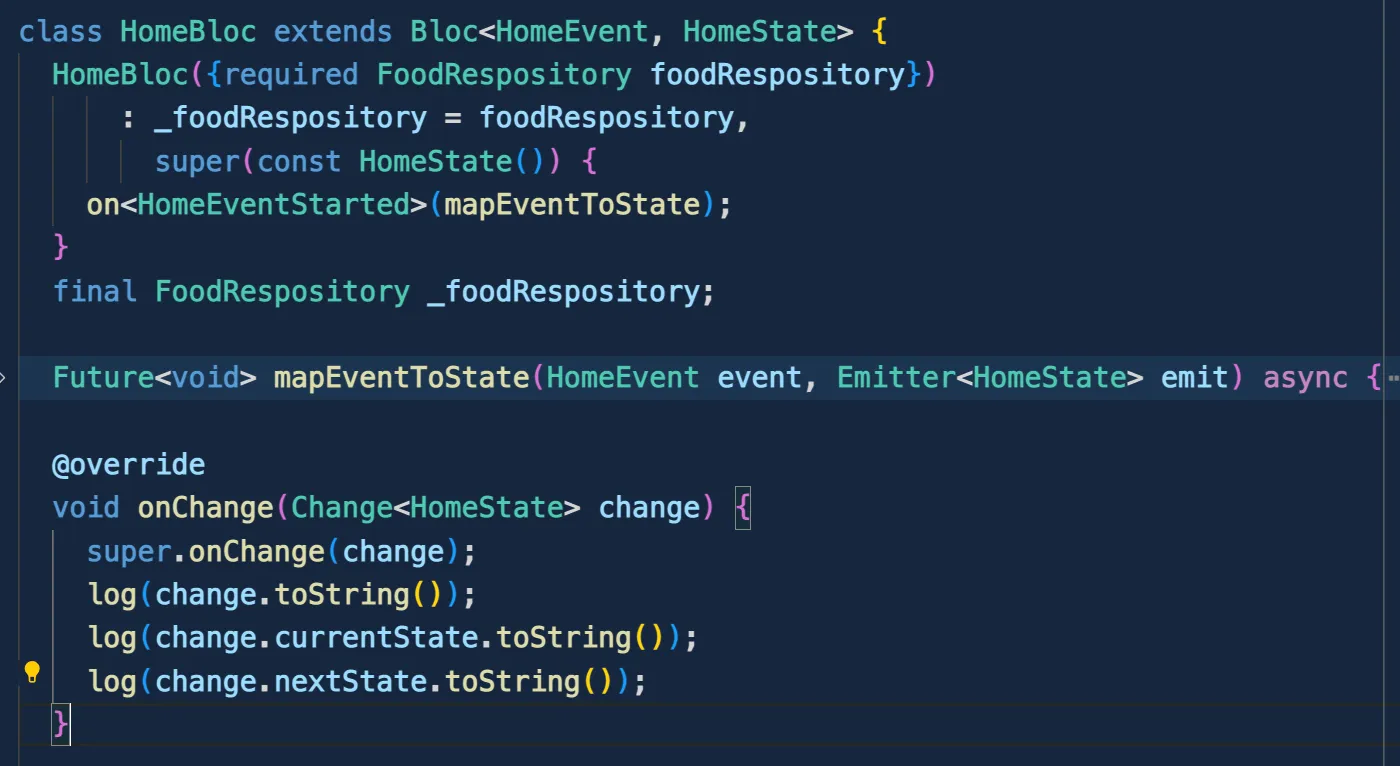
- The
onChangefunction takes one argument: aChangeobject. - This
Changeobject represents the transition from one state to another. - It consists of the
currentStateand thenextState. - Whenever a new state is emitted, this is an excellent place for logging or analytics to track specific app behaviors.
- Important: Always call
super.onChangebefore performing any operations within this method.
2. onTransition
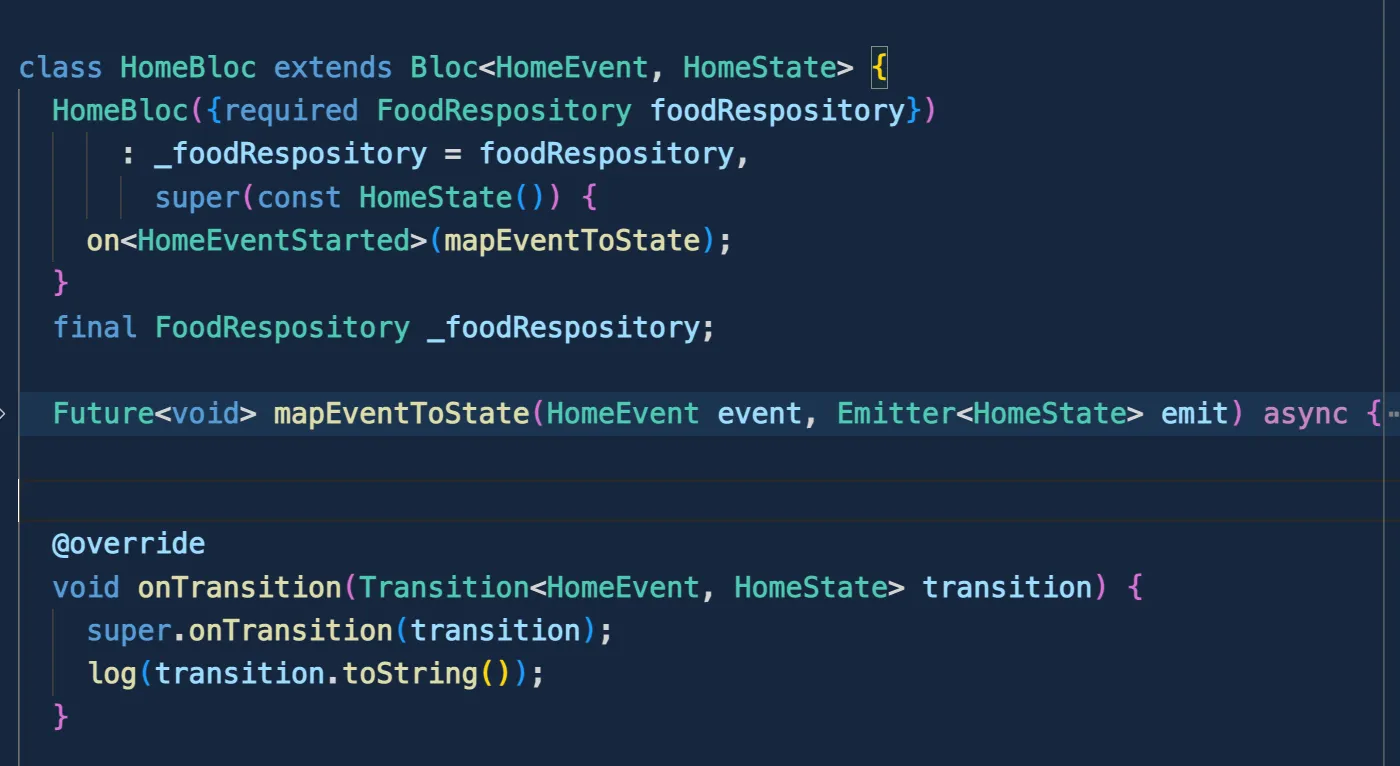
If you want to observe a bloc every time an event is added and a new state is emitted, override onTransition. A transition occurs when a new event arrives and a new state is emitted by the EventHandler. onTransition is called before the Bloc’s state is updated.
3. onError
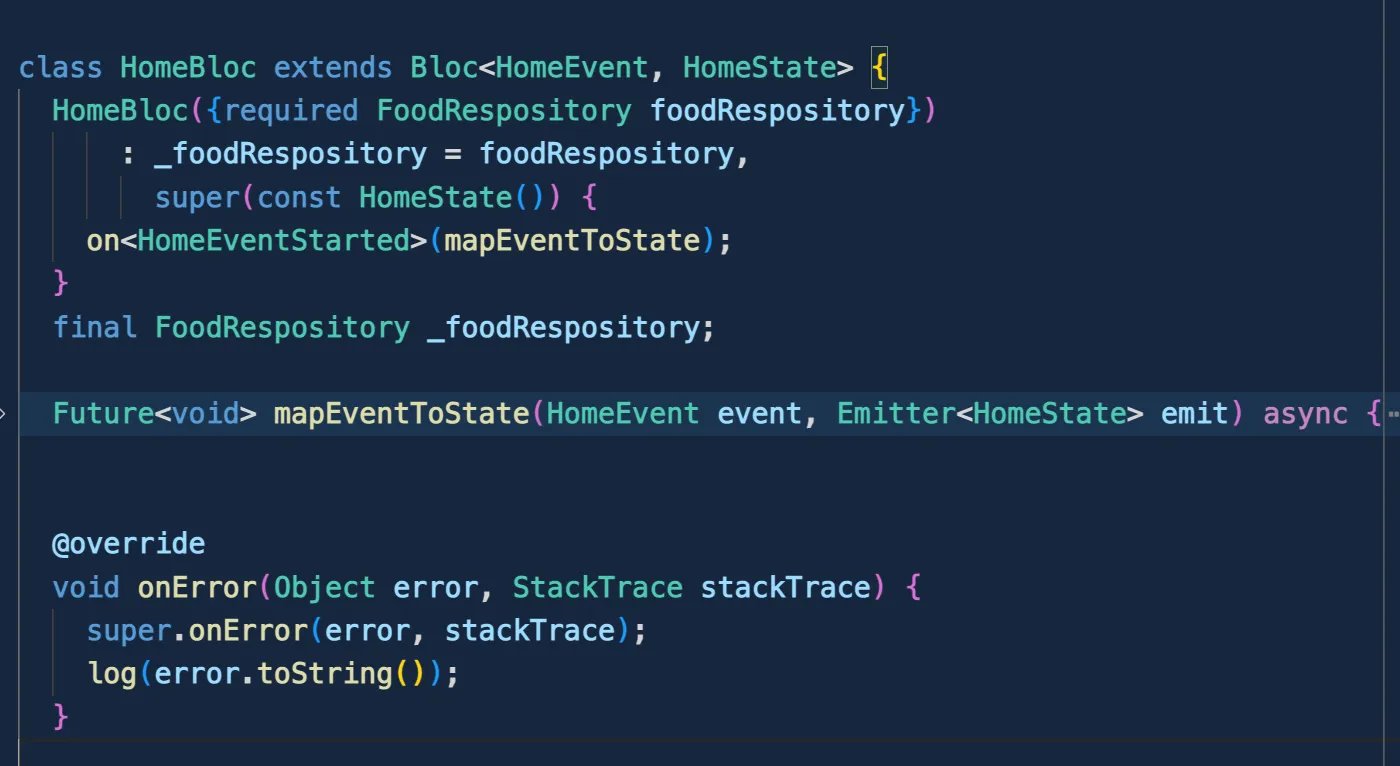
To catch errors occurring within a bloc, override onError. It will be triggered whenever an error is thrown, notifying BlocObserver.onError.
4. onEvent
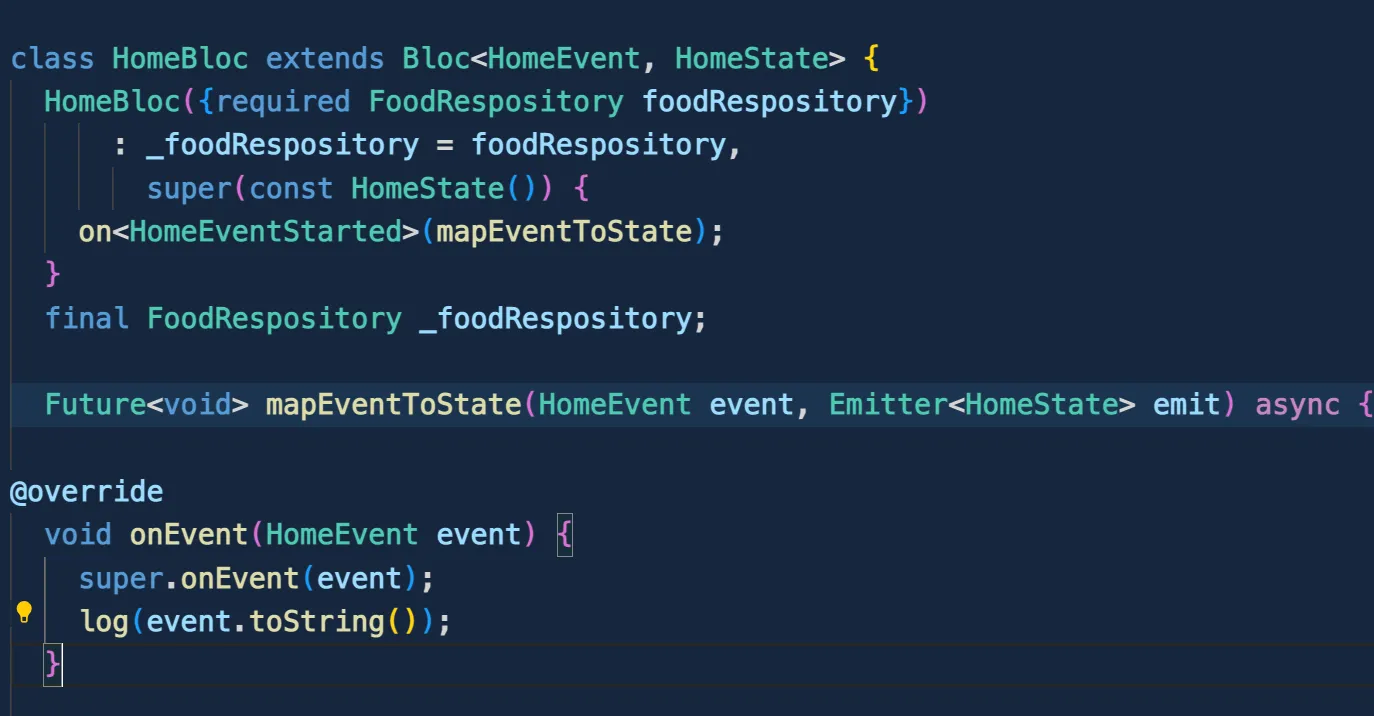
As the name implies, onEvent is triggered every time an action (event) is added to the bloc.
Example Implementation
You can find the full sample code on my GitHub here.
class HomeBloc extends Bloc<HomeEvent, HomeState> {
  HomeBloc({required FoodRespository foodRespository})
      : _foodRespository = foodRespository,
        super(const HomeState()) {
    on<HomeEventStarted>(mapEventToState);
  }
  final FoodRespository _foodRespository;

  Future<void> mapEventToState(HomeEvent event, Emitter<HomeState> emit) async {
    try {
      final listFood = await _foodRespository.listFood();
      emit(HomeState(food: listFood, status: HomeStatus.success));
    } on Exception catch (e) {
      emit(state.copyWith(message: e.toString(), status: HomeStatus.failure));
    }
  }

  @override
  void onTransition(Transition<HomeEvent, HomeState> transition) {
    super.onTransition(transition);
    log(transition.toString());
  }

  @override
  void onChange(Change<HomeState> change) {
    super.onChange(change);
    log(change.toString());
    log(change.currentState.toString());
    log(change.nextState.toString());
  }

  @override
  void onError(Object error, StackTrace stackTrace) {
    super.onError(error, stackTrace);
    log(error.toString());
  }

  @override
  void onEvent(HomeEvent event) {
    super.onEvent(event);
    log(event.toString());
  }
}
Now, let’s run the application and observe the flow of all overridden methods:
Overridden Observers Flow
- As seen in the video, when the app starts, the
HomeEventStarted()event is added. - The first method to execute is
onEvent. - Next,
onTransitionis called (it executes beforeonChange), containing thecurrentState, thetrigger event, and thenextState. - Finally,
onChangeis called. The flow is:onEvent > onTransition > onChange > onError.
Let’s test the error handling:
Creating a Global BlocObserver
Instead of monitoring a specific Bloc, you can create a global observer to track all Blocs in your application.
Create a new file with a class that extends BlocObserver:
class GlobalObserver extends BlocObserver {
  @override
  void onEvent(Bloc bloc, Object? event) {
    log('OnEvent: ${bloc.runtimeType} $event');
    super.onEvent(bloc, event);
  }

  @override
  void onChange(BlocBase bloc, Change change) {
    log('OnChange: ${bloc.runtimeType} $change');
    super.onChange(bloc, change);
  }

  @override
  void onTransition(Bloc bloc, Transition transition) {
    log('OnTransition: ${bloc.runtimeType} $transition');
    super.onTransition(bloc, transition);
  }

  @override
  void onError(BlocBase bloc, Object error, StackTrace stackTrace) {
    log('OnError: ${bloc.runtimeType} $error $stackTrace');
    super.onError(bloc, error, stackTrace);
  }
}
To enable it, initialize it in your main function:
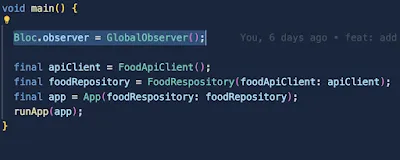
By implementing BlocObserver, you can quickly identify errors and ensure that state flows are functioning as expected. It’s a massive help for debugging. Thanks for reading!