
Creating Documentation for Your Projects on GitHub
Creating Documentation for Your Projects on GitHub – Accessible documentation allows others to learn about your project and makes it easy to update, ensuring the information stays relevant.

There are two primary ways to document a project: README files and Wikis.
- README file: A quick and simple way for users to learn about your work.
- Wiki: Helps you present in-depth, structured information about your project.
At a minimum, every project should have a README, as it’s the first thing people see when they discover your repository.
Creating a README
When creating a new repository on GitHub, check “Initialize this repository with a README” unless you’re importing an existing one.

Your README.md file is now ready for editing. It typically includes the project name and an initial description. You can edit it directly on GitHub or locally.
README Format
An effective README usually follows this structure:
- Project Name: The very first thing people see.
- Description: A clear, concise, “to the point” explanation of why the project is important and what it does.
- Table of Contents: Optional, but helps navigate longer documents.
- Installation: Instructions on how to set up the project locally. GIFs are great here!
- Usage: How to use the project. Screenshots are highly recommended.
- Credits: Highlight and link to the authors.
- License: Specify the license (e.g., MIT). See the GitHub License Guide for more info.
Creating a Wiki
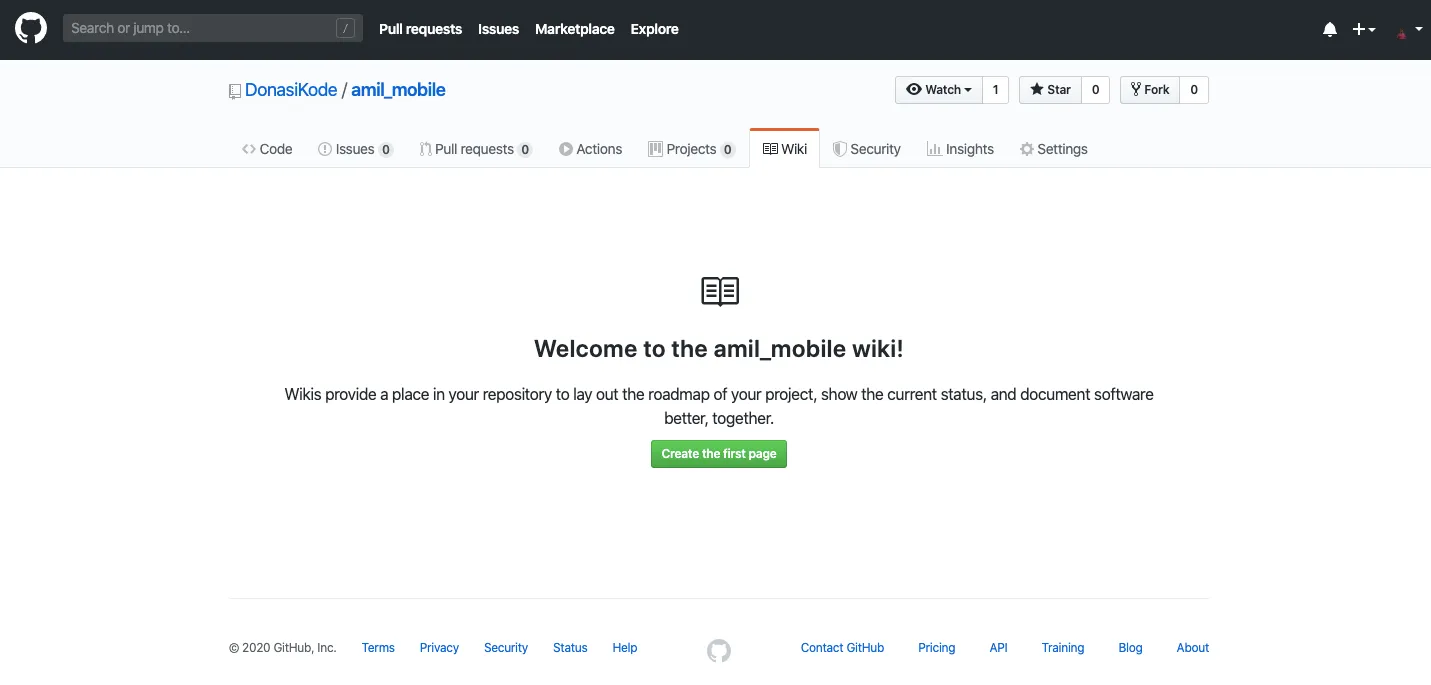
Every GitHub repository comes with a Wiki. You can activate and manage it through the navigation bar by clicking the Wiki button and creating your first page.
Adding Content
Wiki pages are designed for easy editing. Click the edit button in the top right corner to open the editor.
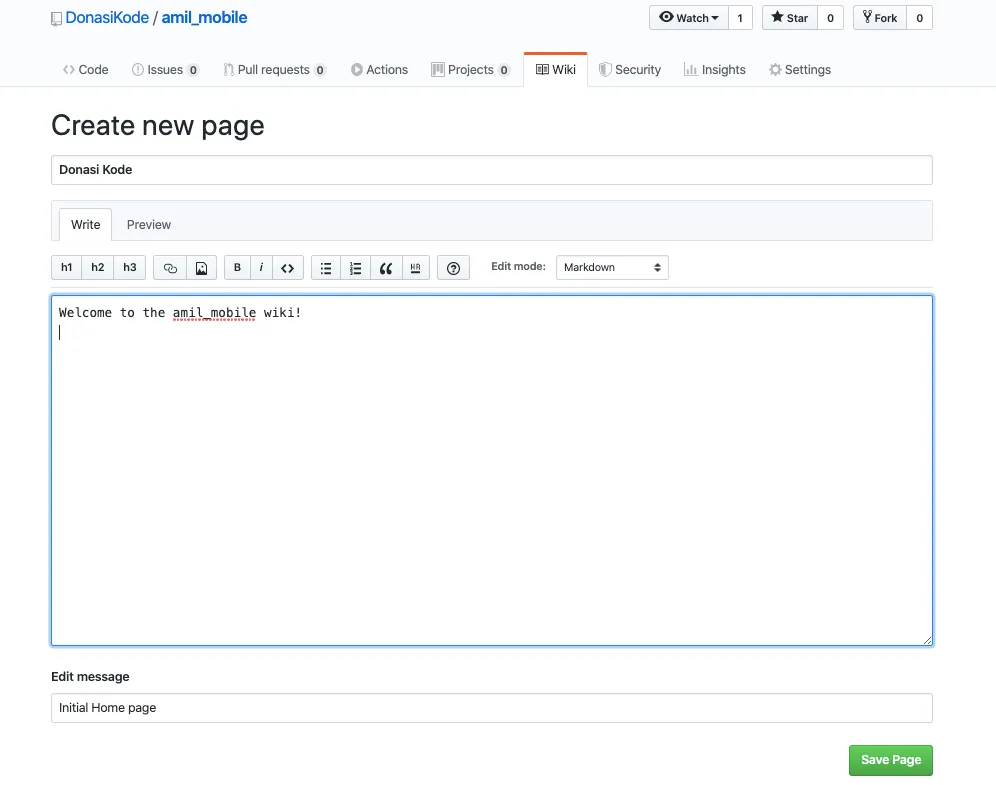
GitHub Markup supports various formats. You can also include custom sidebars for navigation or specific notes. GitHub tracks every change, so you can compare revisions or view a detailed edit history over time.
Read also: Advanced SEO Optimization
Syntax Highlighting
GitHub Wikis support automatic syntax highlighting for many languages. Use triple backticks like this:
```ruby
def foo
  puts "bar"
end
```
Conclusion
Good documentation is the best way to share your project with the community. Happy documenting!